From the feed
AI Quality Analyst (Personalization) - Indonesian
 Turing
Remote, United States
Discover jobs, build your professional reputation, connect with career communities, and prepare for interviews with free AI-powered practice.

From the feed
AI Quality Analyst (Personalization) - Indonesian
TuringRemote, United States
Browse tech jobs across software, data, design, and product. Explore tech jobs, remote jobs, and skill communities.



1
Search by job title, skill, company, location, and remote-work preference.

2
Participate in discussions, follow companies, and join professional communities.

3
Save roles, apply for jobs, and communicate with hiring teams.
Follow the conversations around the roles you want. Communities are where people share hiring notes, ask questions, and keep a professional reputation in public.
Explore communities
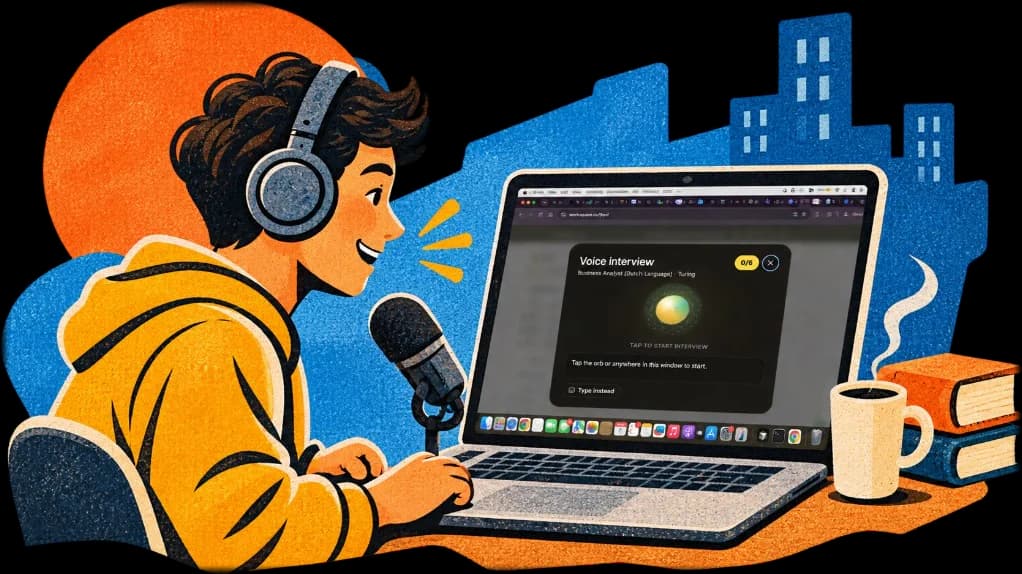
Practice interviews with voice-based AI before you talk to a hiring team. The practice is free. Sign in to start a session.
Start interview prepKarma is the reputation you build on WorkSquare. Useful comments, likes on your posts, and a record that recruiters can trust raise it. Spam, fake jobs, and abusive behavior lower it. Higher karma unlocks badges, profile levels, and more visibility.
How karma works
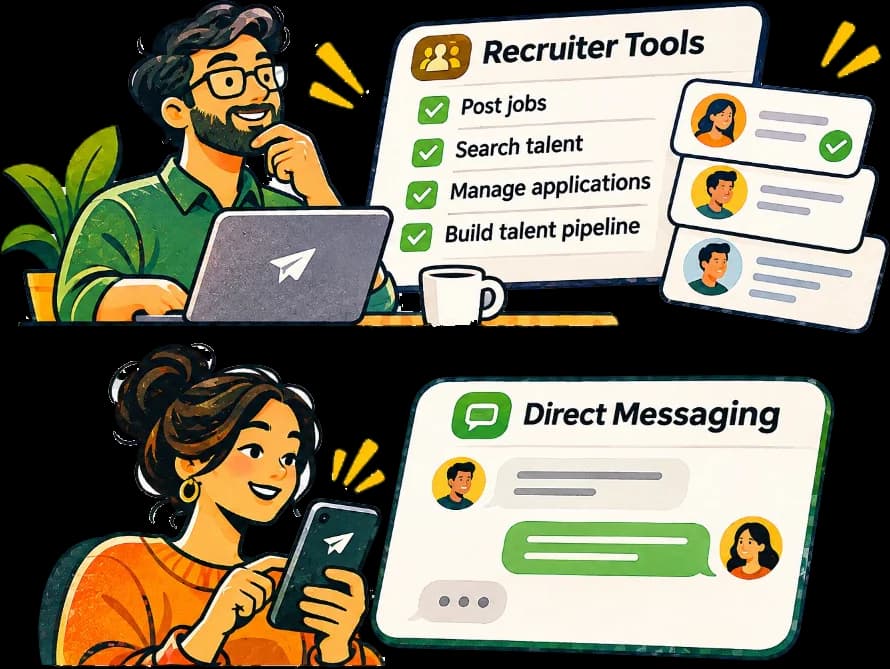
Create a company, post a job, review applications, and message candidates directly. Recruiter tools stay in the same product as the public feed.
Discover jobs, follow companies, and use WorkSquare on Android.